Compare free, self-hosted, and AI design tools for making interfaces, building interactive prototypes, and designing with real components.
By the Wender team ·
01
Wender Desktop
Free, self-hosted design
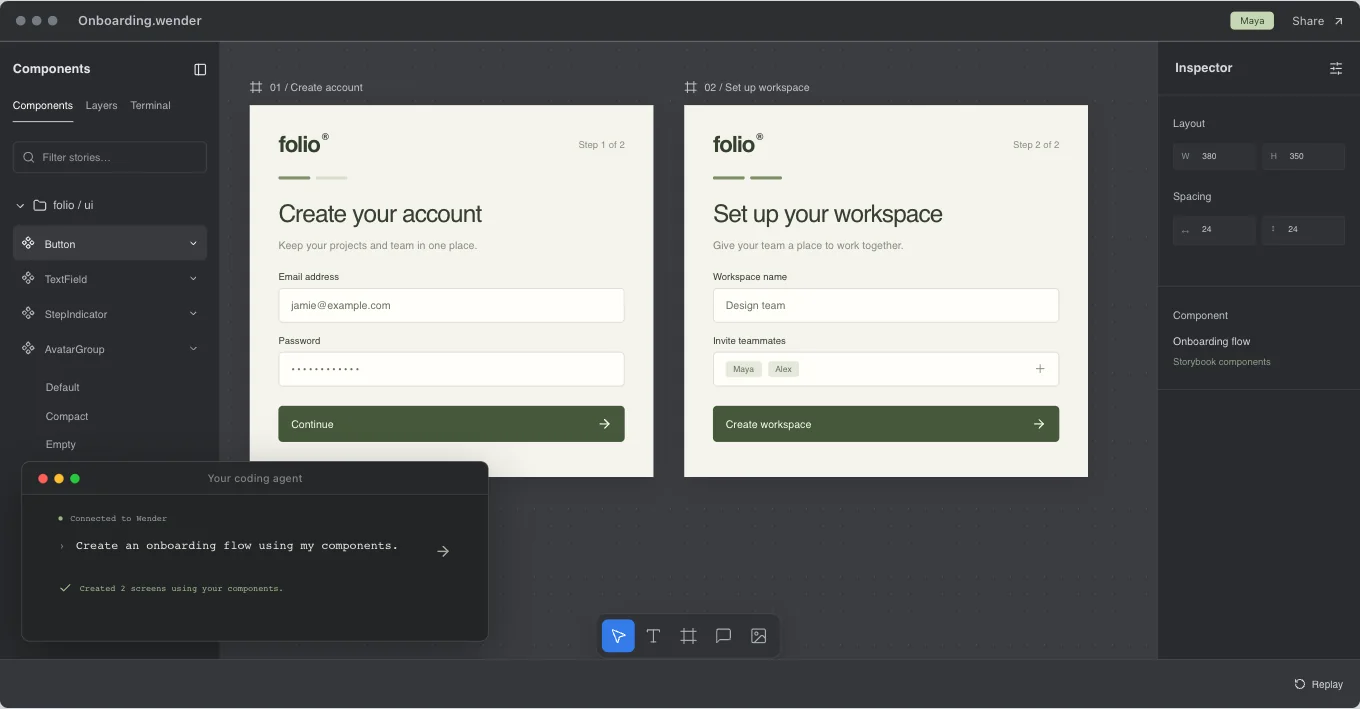
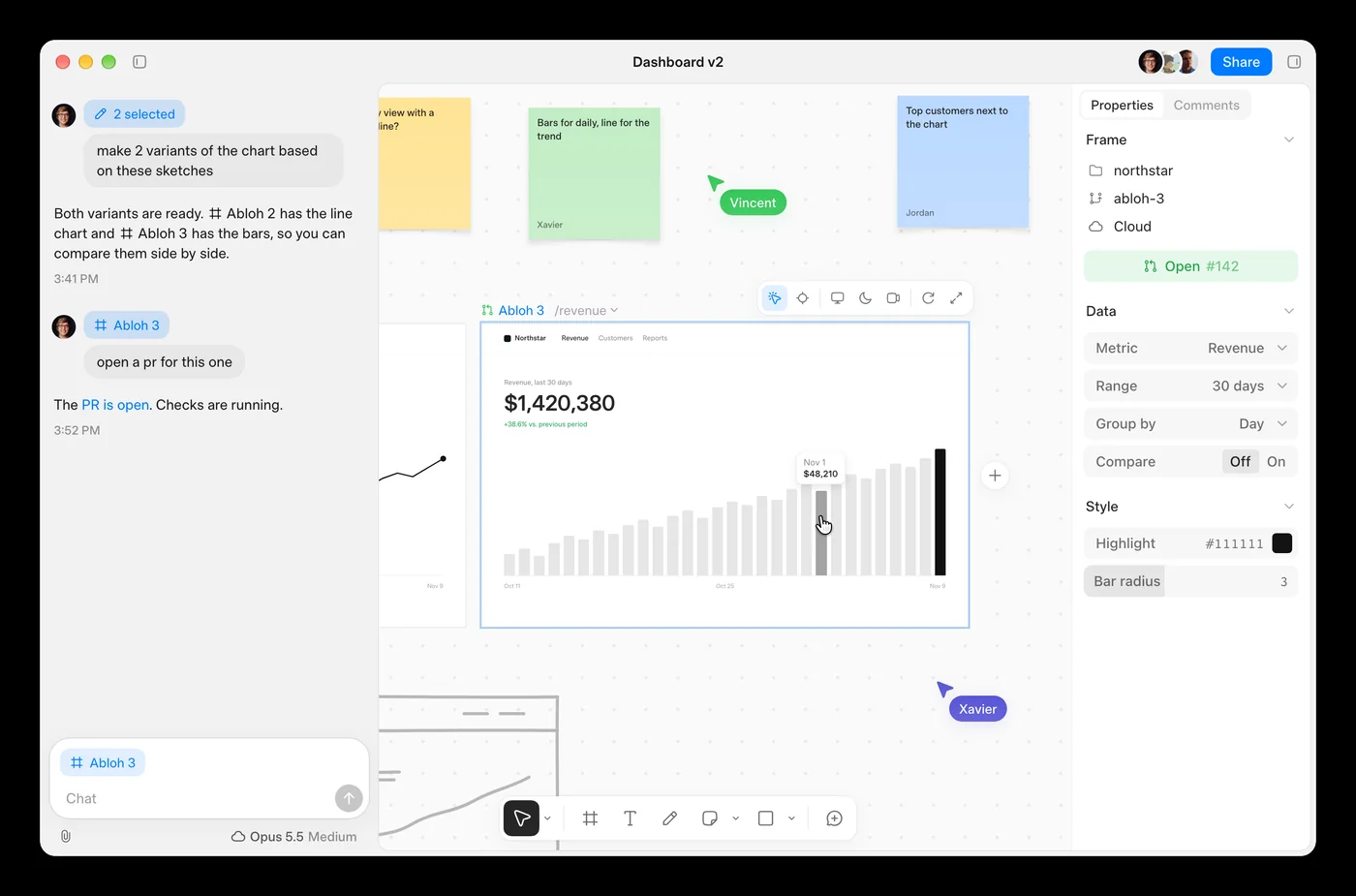
Wender Desktop is a 100% free design canvas for macOS 15 and later that lets you build prototypes with real Storybook components and editable HTML. Keep your files on your Mac or host your team workspace in your own Cloudflare account.
Key features
Live Storybook components
Visual HTML editing
Bring your own MCP-compatible coding agent
Local files and self-hosted collaboration
Pricing Wender has no subscription or seat fees, and any charges for optional Cloudflare hosting or your AI provider are billed separately.
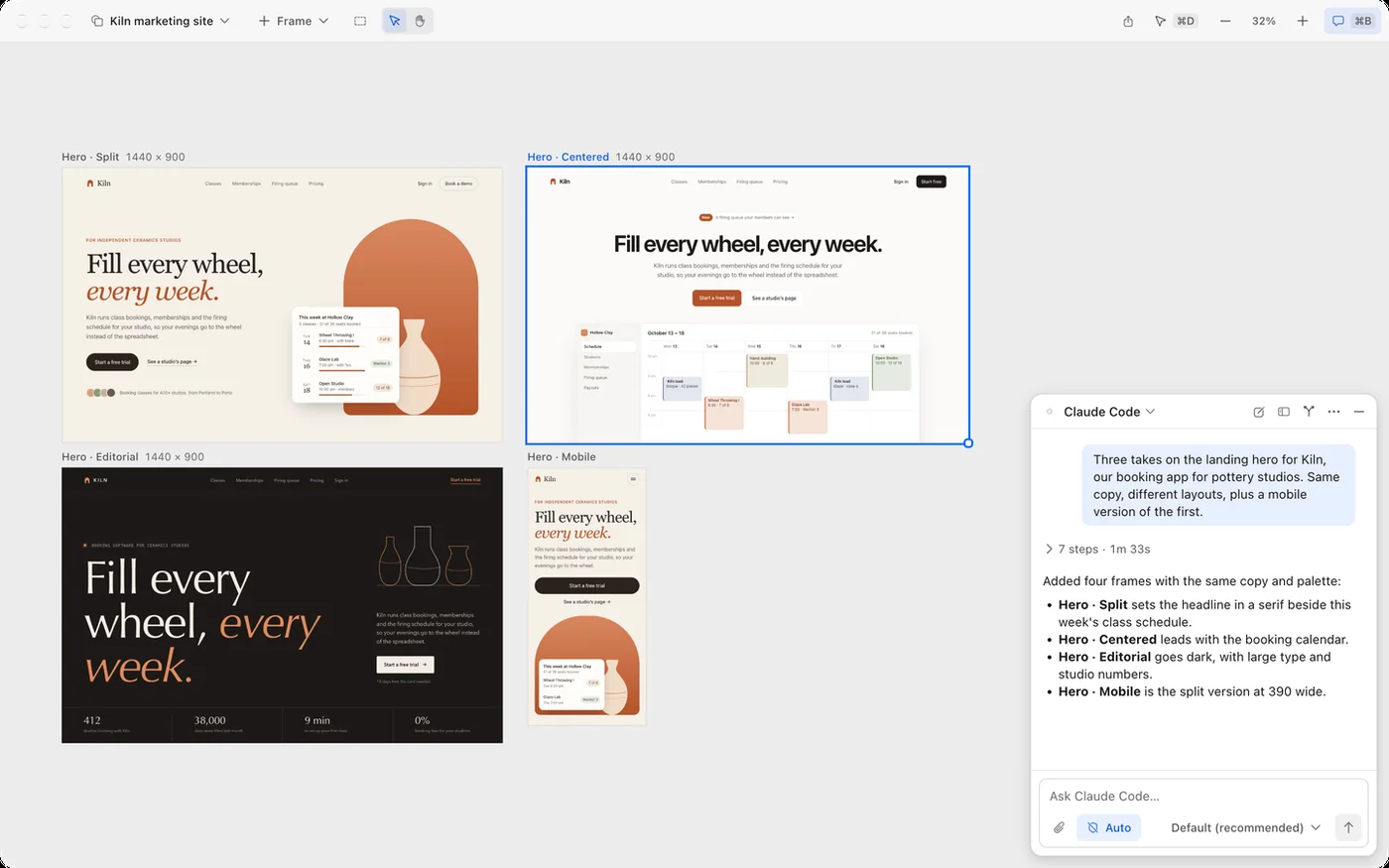
Gui lets you select an element in a running app and ask your coding agent to change the underlying project. You can also explore multiple versions side by side on a canvas.
Key features
Direct element selection
Live desktop and mobile previews
Canvas for design variants
Bring your own coding agent
Pricing Gui is free during alpha, and you pay your coding-agent provider separately if your plan requires it.
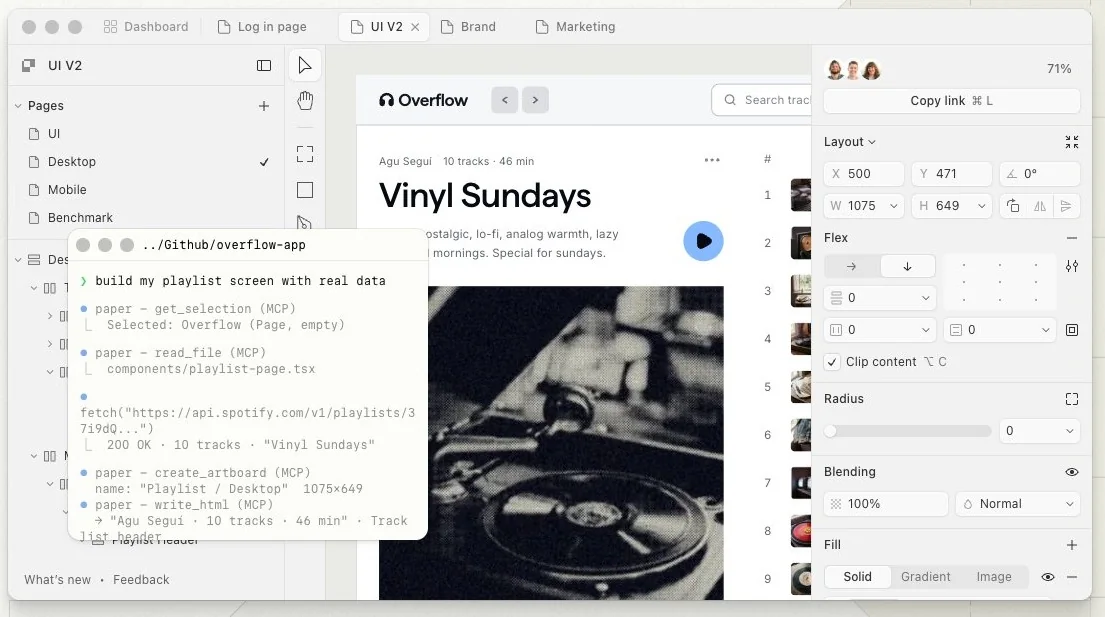
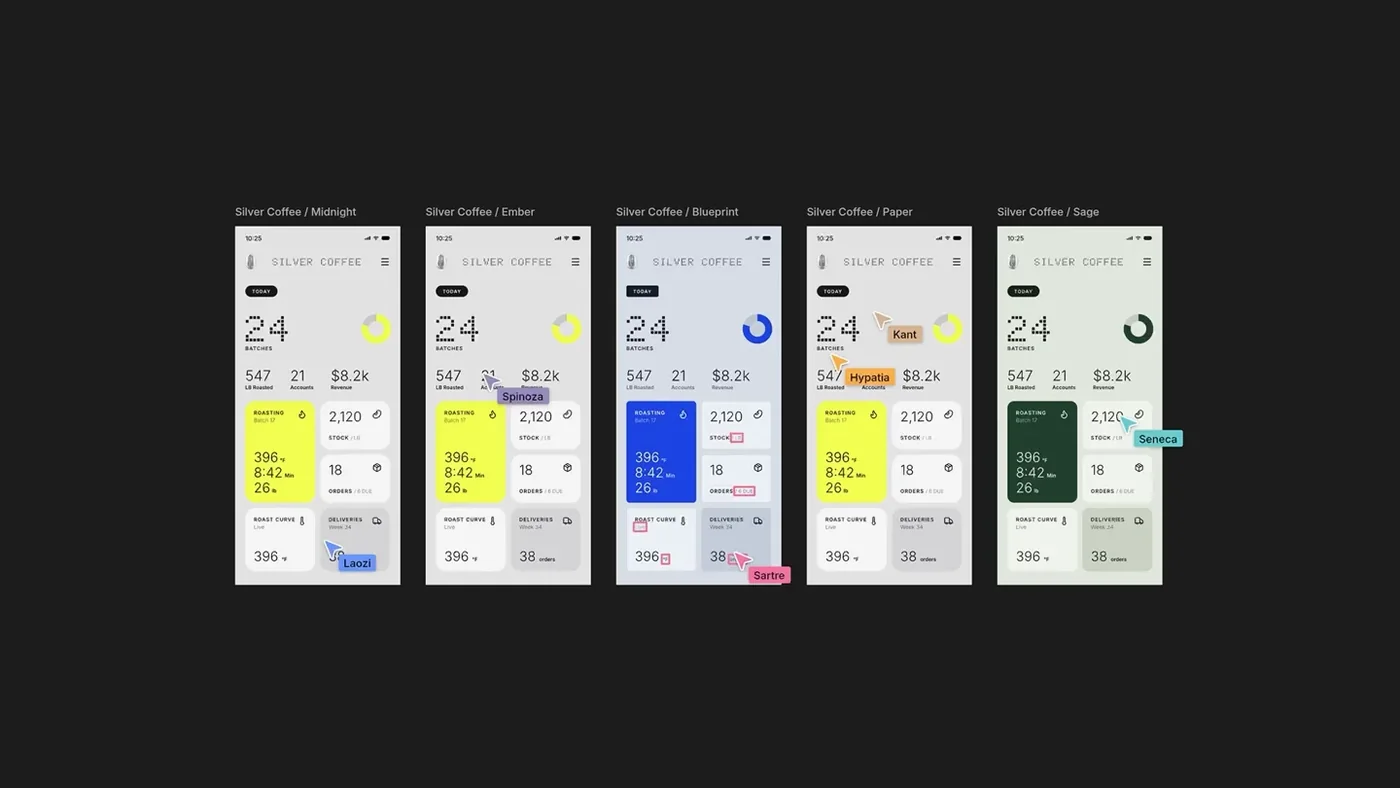
Paper is a collaborative interface design tool for editing layouts by hand or working with a connected coding agent. Its canvas supports reusable design assets, responsive layouts, and MCP access.
Key features
Multiplayer canvas
Responsive layouts
Reusable design elements
MCP integration
Pricing Paper offers a free plan with unlimited collaborators and limited MCP calls, plus Pro from $16 per editor per month billed annually.
Zoah puts a DOM-based canvas, a vector editor, and an AI builder in one workspace. Layouts use web technologies and can share variables with the underlying code.
Key features
HTML, CSS and JavaScript canvas
Visual CSS variables
Vector drawing and animation
Branching and design review
Pricing Zoah is in early access and advertises a paid Business plan through its Founding Member program.
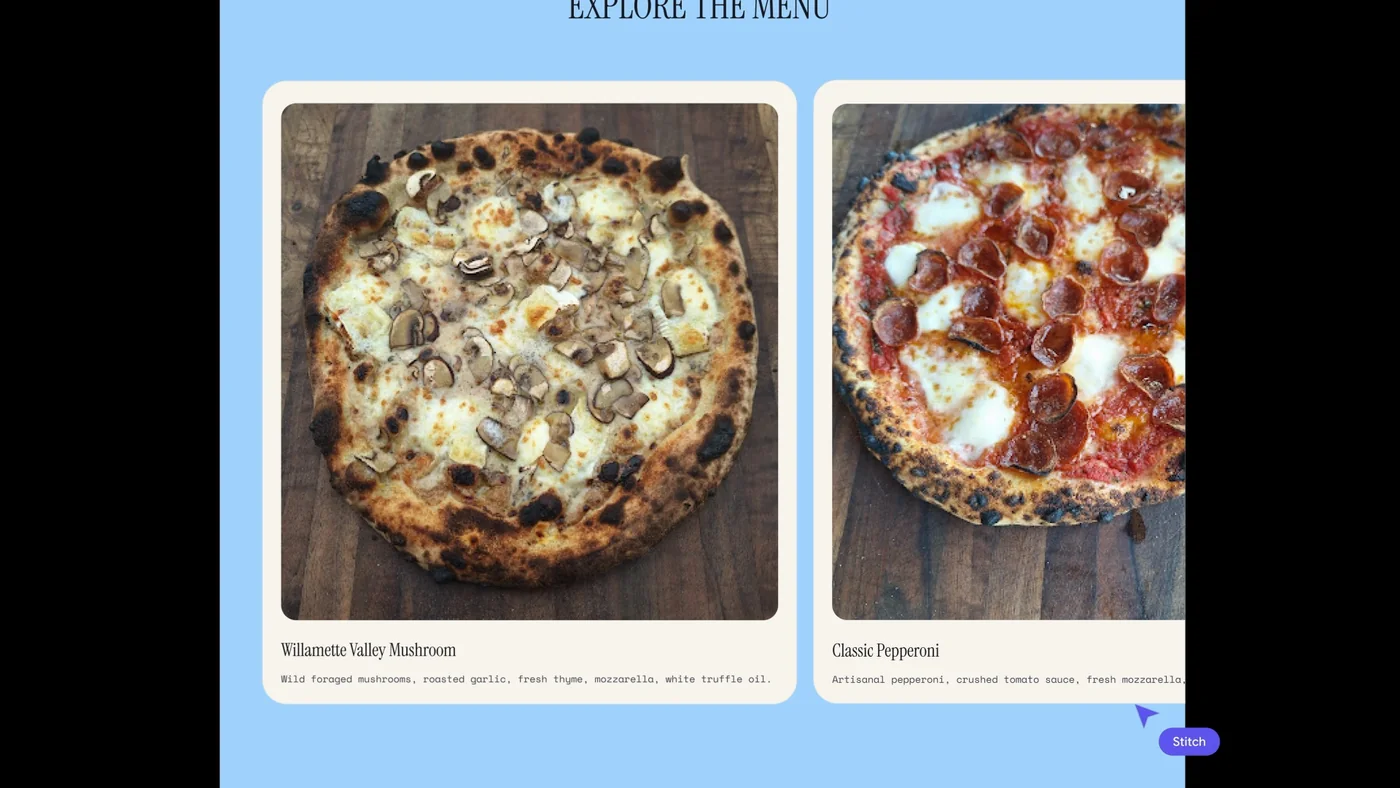
Google Stitch generates web and mobile interfaces from prompts and design references. Its canvas lets you steer the agent as it works and turn screens into shareable prototypes.
Key features
Text and voice prompts
Live design iterations
Interactive prototyping
Export to Google Antigravity
Pricing Stitch is a Google Labs tool available at no listed subscription price, with usage limits.
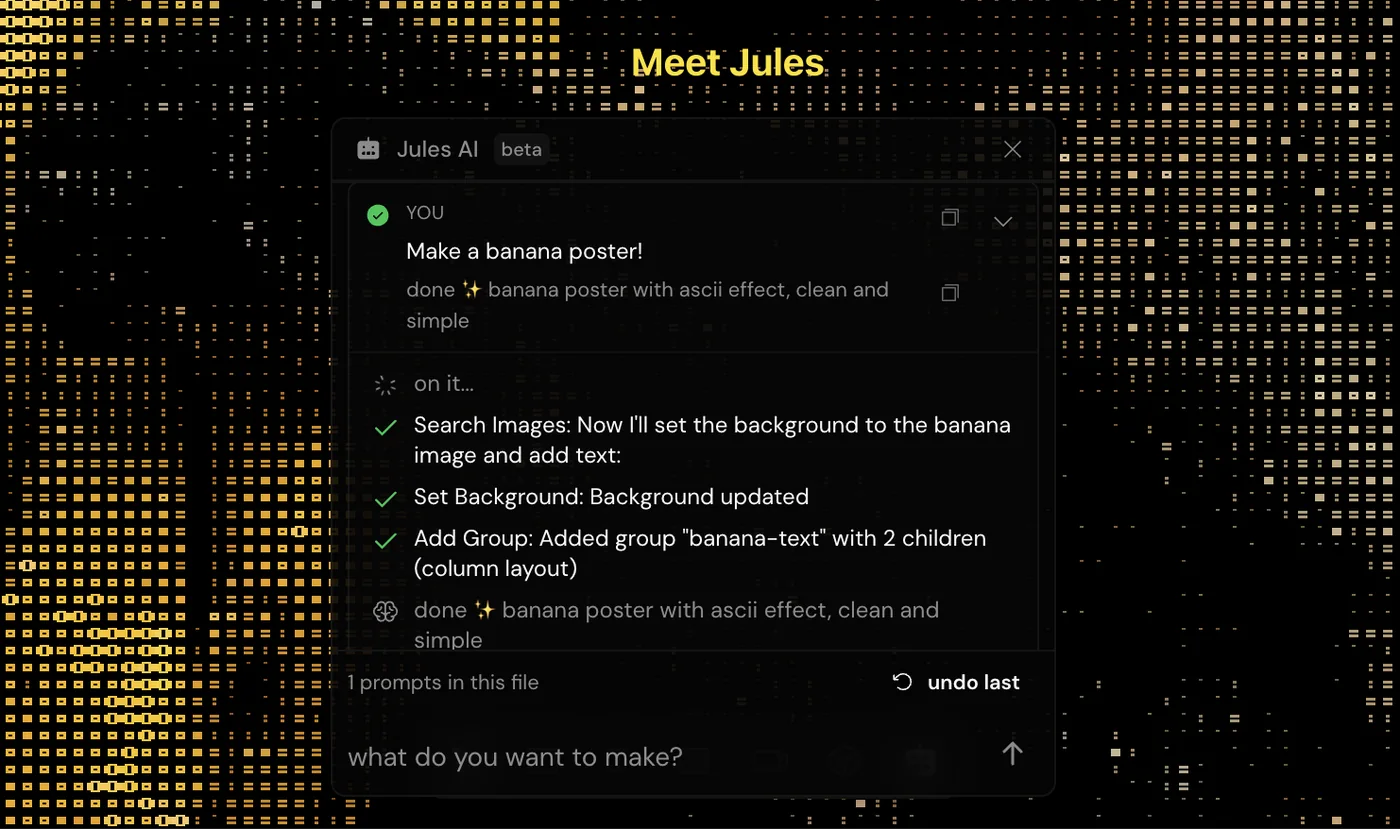
Efecto combines a visual editor with Jules, an AI design assistant. It is a fit for experimenting with expressive visuals, effects, and animated layouts.
Key features
Jules AI design assistant
30+ visual effects
Screenshot and video export
Shareable design links
Pricing Efecto offers a free editor with up to five design files, and paid AI plans start at $4.99 per month.
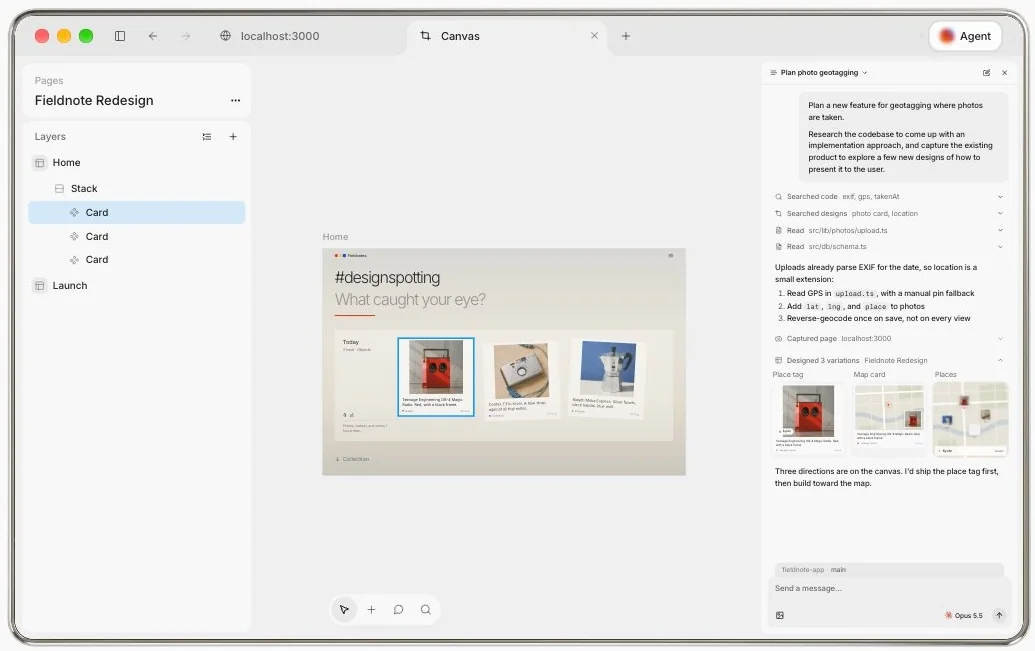
Wonder connects a GitHub repo and runs your product on a shared design canvas. You can bring in a design from Figma, edit captured app elements as layers, and ask your agent to apply changes back to code.
Key features
Live app previews
Editable layers from running apps
Figma import
Bring your own agent
Pricing Wonder offers a free single-editor tier with a weekly layer limit, Pro from $16 per editor per month billed yearly, and custom Enterprise pricing.
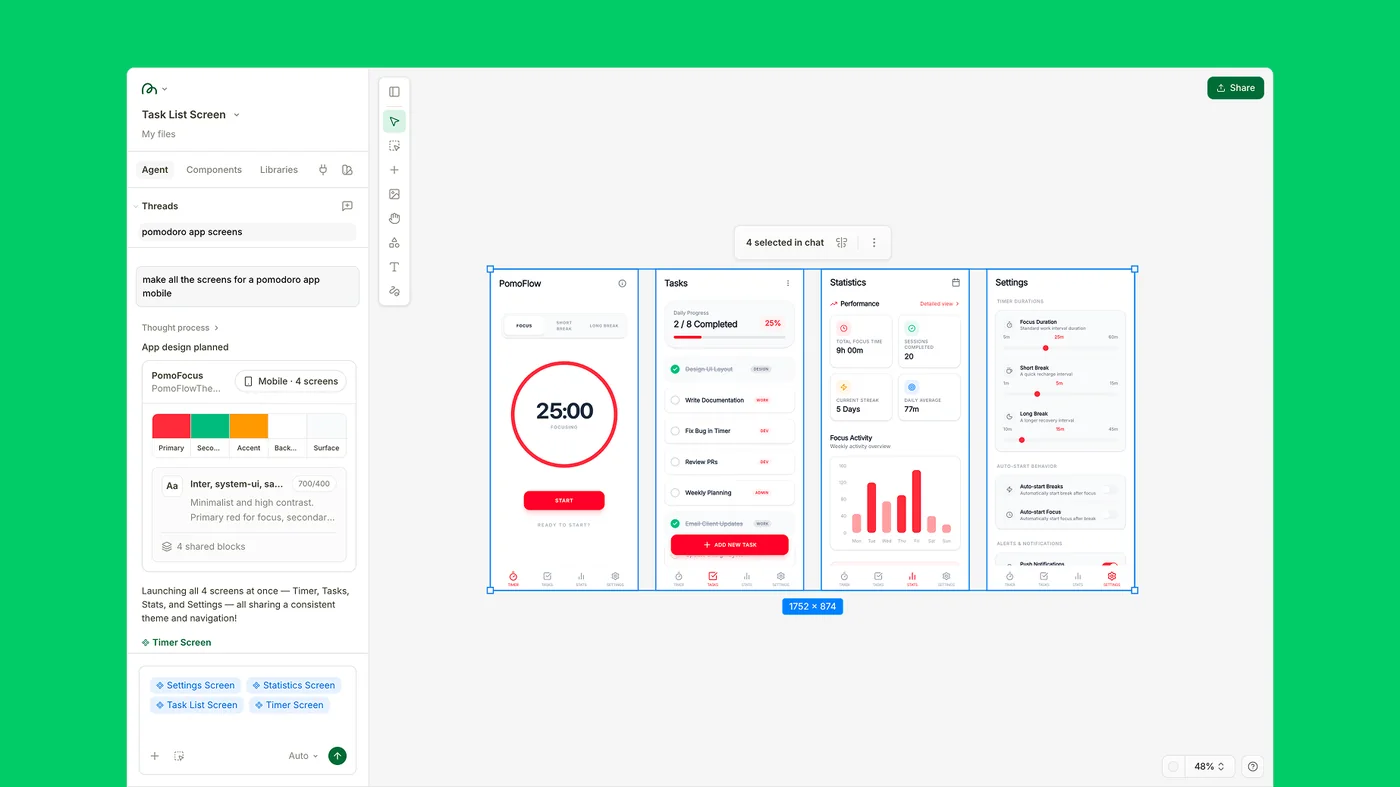
MagicPath turns prompts, sketches, and design references into prototypes on a collaborative canvas. It supports both its built-in design agents and external coding agents.
Key features
Infinite multiplayer canvas
Figma import and export
Design system and component libraries
External agent integrations
Pricing MagicPath offers a credit-limited Free tier, paid Builder and Pro plans, and custom Teams pricing.
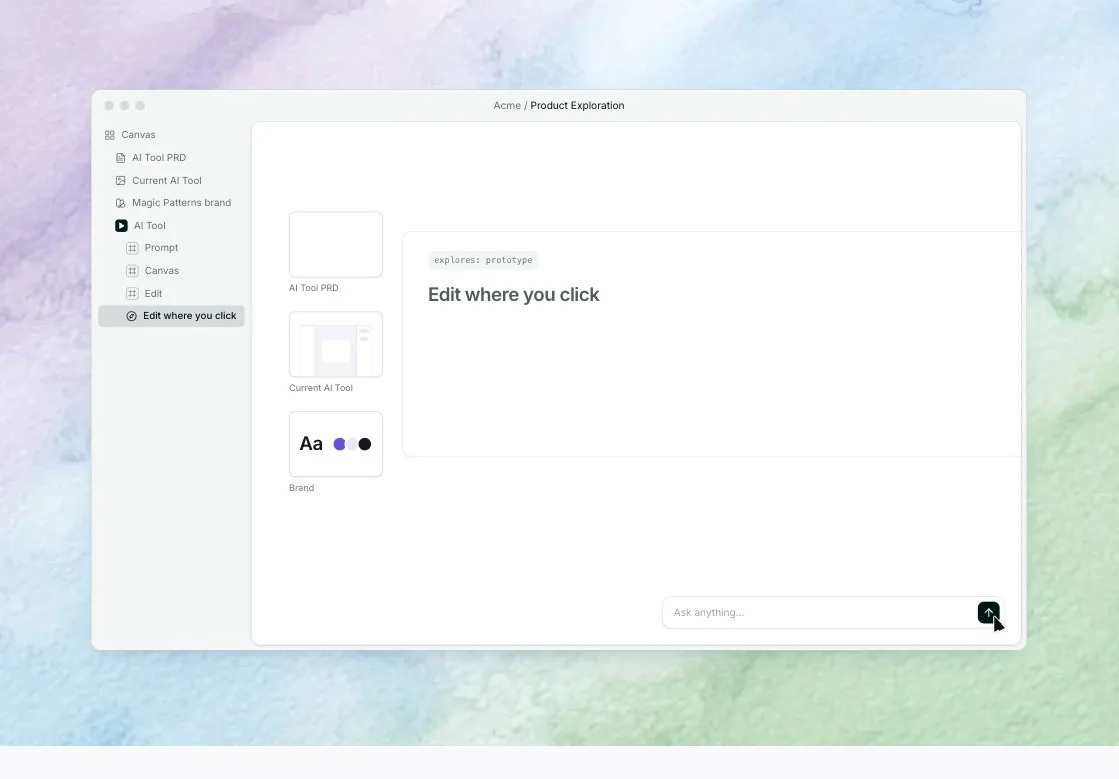
Magic Patterns generates interactive UI from prompts, product requirements, screenshots, or designs. Teams can use their existing design system and connect screens into a prototype that stakeholders can try.
Key features
Prompt and screenshot inputs
Design system support
Multi-screen prototypes
Team workspaces
Pricing Magic Patterns offers free access, paid credit-based workspace plans starting at $20 per month, and Enterprise pricing.
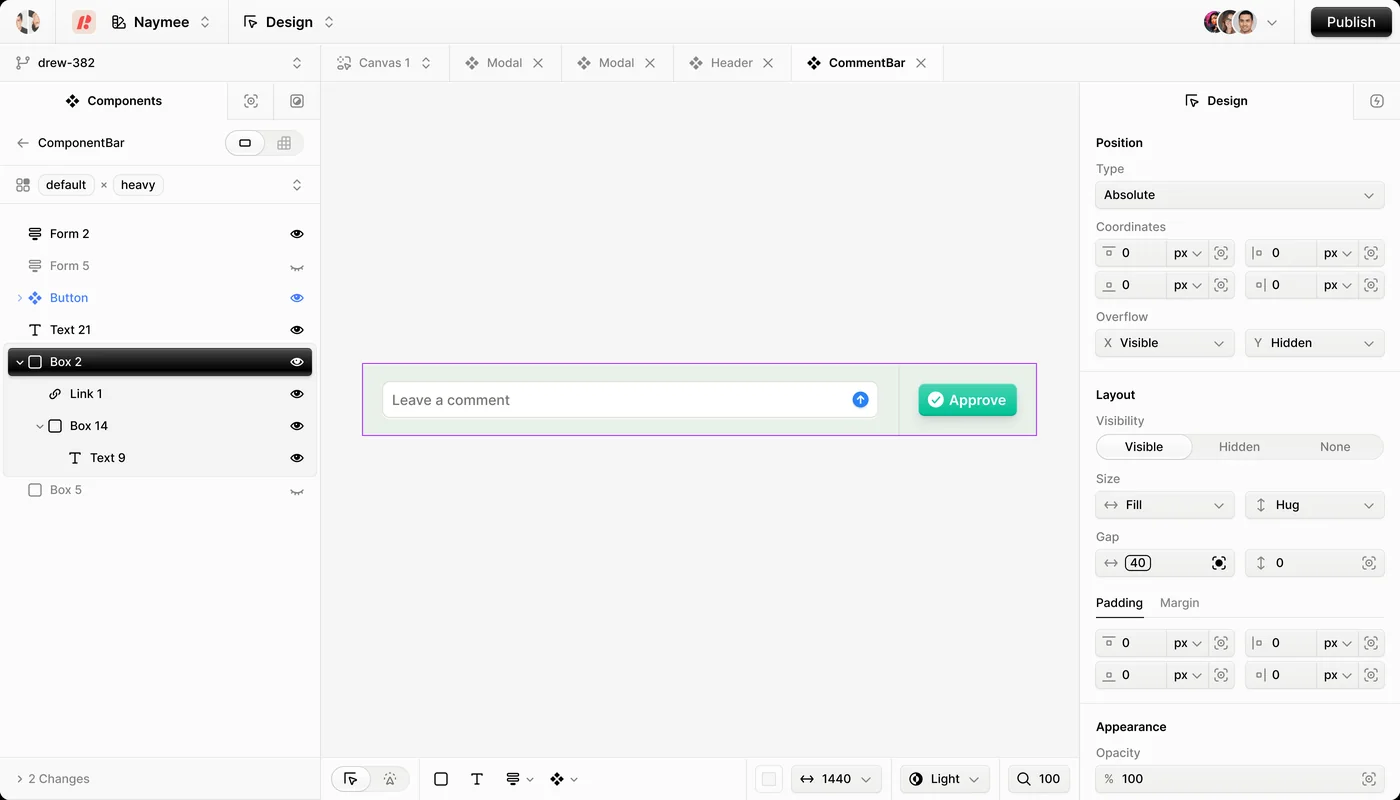
Subframe is a code-aware design canvas for exploring product UI, mapping components, and collaborating with coding agents. It gives you visual control over layouts, reusable components, and themes.
Key features
Visual design controls
Component and code mapping
Design tokens and themes
Team collaboration
Pricing Subframe offers a free plan, a paid plan from $20 per editor per month, and an Enterprise option.
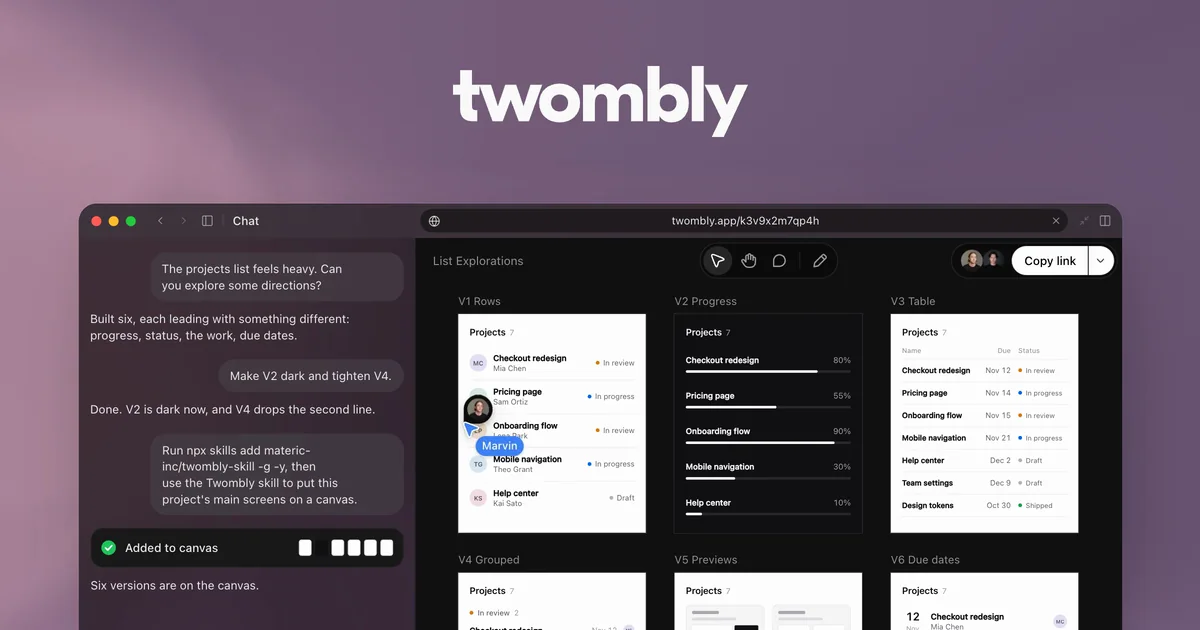
Twombly gives your coding agent a canvas where it can arrange live builds side by side. Teams can open a shared link to review variants with comments, live cursors, and voice huddles.
Key features
Live frames from static builds
Local CLI for coding agents
Comments and live cursors
Voice huddles
Pricing Twombly is available through npm, and its public site does not list paid plans.
pen.dev is a local-first visual editor with both manual design controls and agent-assisted editing. It can import Figma files or websites as editable layers and export frames as HTML and CSS.
Key features
Figma and website import
Reusable components and variables
HTML and CSS export
MCP and CLI access
Pricing pen.dev offers a free editor with five agent-design days per month, plus Pro, Ultra, and custom Enterprise plans.
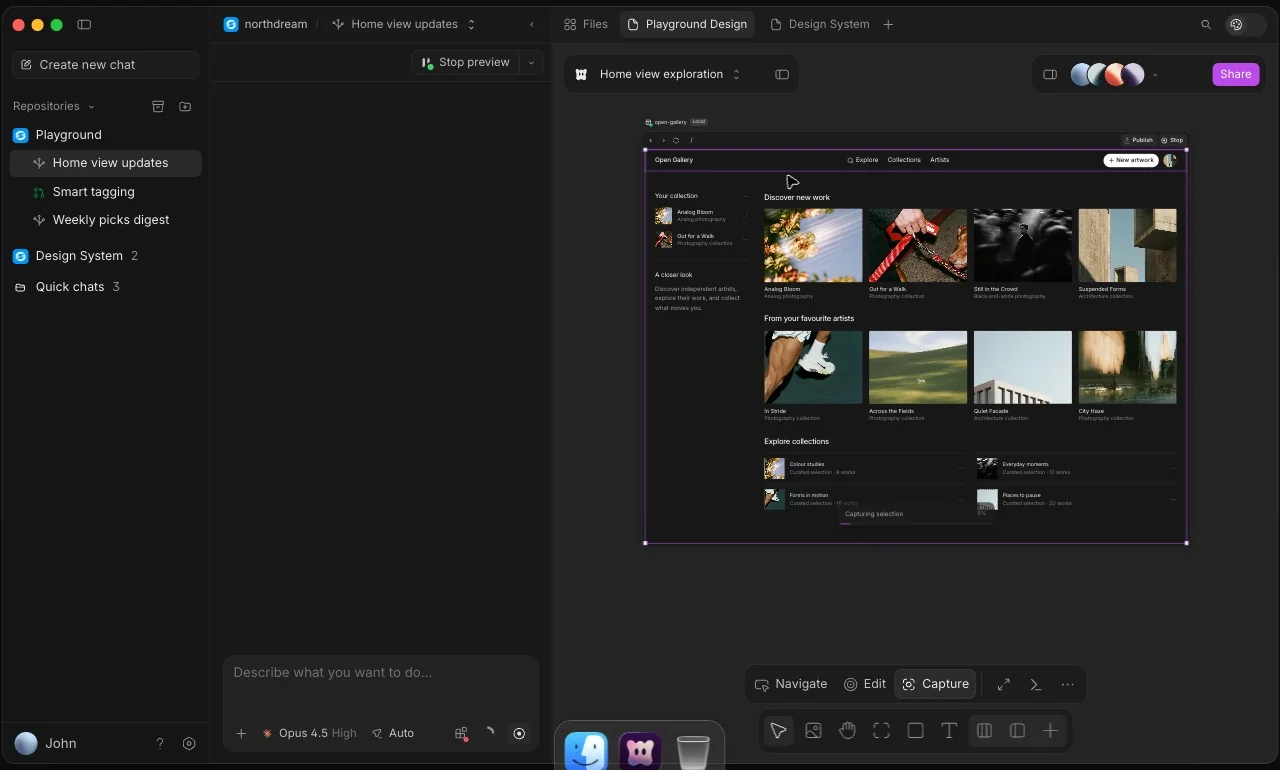
Mainframe is an agent-assisted design workspace for exploring changes in your existing codebase. The interface brings together an app preview, visual controls, and agent conversations.
Key features
Codebase-aware workspace
Live app preview
Visual editing controls
Coding-agent collaboration
Pricing Mainframe currently invites users to a waitlist and does not publish pricing.
For free, self-hosted design on a Mac, start with Wender if you want to work with Storybook components and editable HTML. You can design locally and set up collaboration in your own Cloudflare account.
For a collaborative design canvas, try Paper. If importing existing Figma files or exporting HTML is important, look at pen.dev.
For prompt-to-prototype work, look at Google Stitch for rapid screen exploration or Magic Patterns for connected product flows.
For design inside an existing codebase, look at Gui for direct edits to a running app or Wonder for exploring changes with agents on a shared canvas.
Wender publishes this guide and makes Wender Desktop. Product details and pricing come from the vendors’ public materials. Screenshots are from their product pages, documentation, or demos.